•

Nerissa Goedhart
Drone perimeter security: what a dock changes, and what the rules still require

A drone in a dock on a large site changes two things. It patrols the fence line without anyone walking it, and it reaches a triggered sensor in the time it takes someone to decide which camera to open.
Both of those are straightforward to set up. The part that decides whether a security programme works is the part underneath: a commercial security operator carries regulatory obligations that a police force may not, and every flight has to satisfy them before it leaves the dock.
Security is not policing, and the rules know the difference
This gets missed constantly, and it is the single most important thing for a security team to understand before buying anything.
Under Article 2(3)(a) of Regulation (EU) 2018/1139, operations carried out by military, customs, police, search and rescue, firefighting, border control or coastal surveillance services, under the control and responsibility of a member state, sit outside the EU aviation framework. Member states can choose to bring them back in, and several do, but the starting position is that a police drone programme and a commercial one are governed differently.
A security company protecting a private site is a civil operator like any other. Flights beyond the pilot's visual line of sight put you in the specific category, which means a risk assessment under SORA 2.5 and an operational authorisation from your national aviation authority. The conditions in that authorisation then apply to every single flight, including the automated ones.
So a security buyer is really asking whether the system makes it practical to fly the same way every time, in a form you can show an auditor.
Patrolling the fence
A perimeter patrol is the same route, flown repeatedly, which is exactly what a saved mission is for. Build the route once in the mission editor, set the height, the camera angles and the points where the aircraft should hold, and the patrol runs identically whoever is on shift.
That repeatability matters for two reasons beyond convenience. Comparing today's pass against last week's only works if the aircraft flew the same line at the same height. And an authorisation granted for a defined operation stays valid only while the operation stays the same, which a saved mission enforces and a manually flown patrol does not.
Responding to a sensor that has no API
Most perimeter sites already have sensors: fence vibration, beam breaks, cameras with analytics. The ones installed years ago often have no interface for anything to connect to.
There is a practical way around that. Build a template per sensor, named for the sensor it covers, with a route from the dock to that sensor's position. When Sensor 3 trips, the operator runs the Sensor 3 template and the aircraft flies there.
The routing is handled for you. Zones and no-fly zones defined on the map are respected on the way, so an aircraft heading to a sensor near a boundary routes around the area it may not enter instead of taking the direct line. Map markers let you label what matters on site: gates, hazards, the places an operator needs to find quickly in the dark.
Where a sensor system does have an interface, the same response can be triggered automatically. The template approach is what makes the other ninety per cent of installed estate usable today.
Satisfying the authorisation before every flight
This is where an operations platform earns its place for a security operator.
The checklist. Your SORA produces conditions, and those conditions have to be met before each flight. A checklist built into the launch sequence turns that from a document in a drawer into something the operator works through on screen, with a record afterwards of what was checked and by whom.
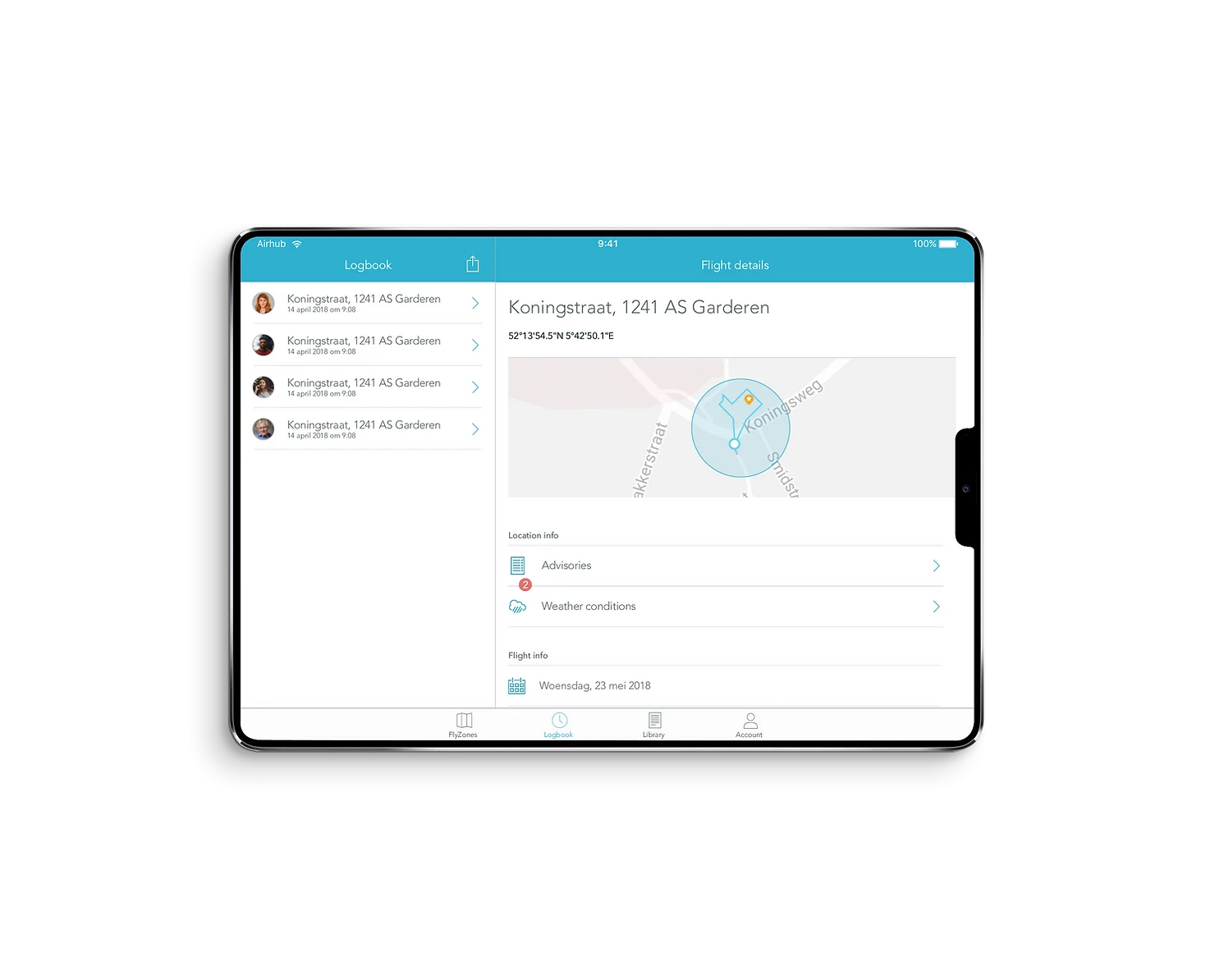
Weather at the dock and in the forecast. Conditions at the dock itself and the forecast for the window ahead both feed the go or no-go decision, and for most authorisations that decision has to be documented.
Traffic in the airspace around you. The SafeSky integration shows crewed traffic at low altitude, aggregated from more than thirty sources including ADS-B, Mode-S and FLARM, alongside a community of general aviation pilots. For a security operator this is more than awareness. Real-time traffic data is recognised as an air risk mitigation in a SORA, and operators have used it to argue a lower air risk class in their assessment. It is worth raising with whoever writes yours.
What the operator actually works with
Payload choice follows the task: a wide camera for the patrol, thermal for anything at night or anything involving a person who does not want to be seen. Both feed the same live view.
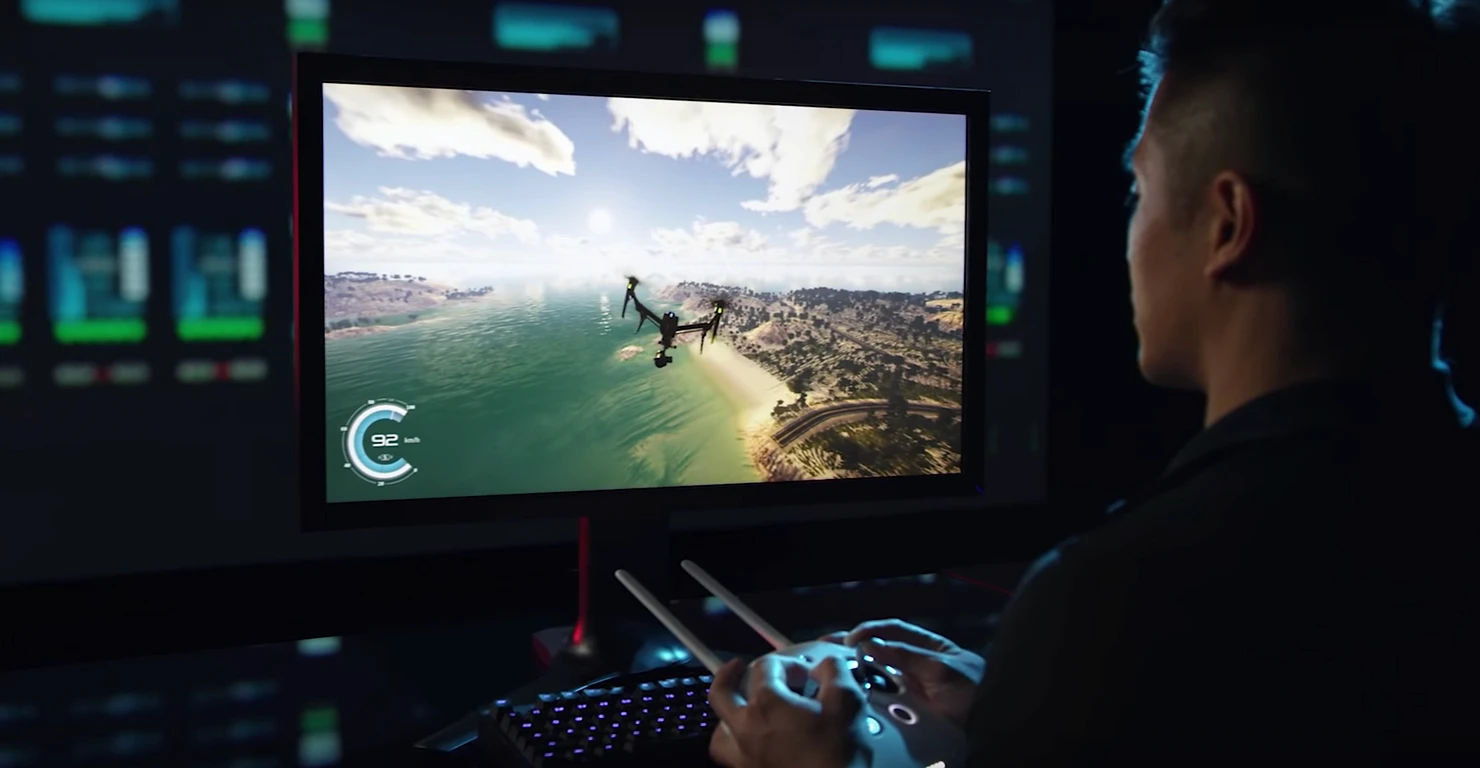
When the automated route stops being the right answer, the operator takes manual control with keyboard or joystick and flies it themselves.
The feed can also go where the team already looks. AirHub brings drone video into a video management system through streaming protocols including RTSP and RTMP, so aerial footage appears next to the fixed cameras in the control room instead of on a separate screen. The Drone Operations Centre works the other way too, pulling feeds, maps and data into one shared picture for whoever is coordinating.
Where the data lives
Perimeter footage of a client's site is sensitive, and for many security contracts the question of where it is stored arrives before the question of what the system does.
AirHub is a Dutch company. The platform is ISO 27001 and ISO 9001 certified, operates in line with GDPR and European data protection requirements, and can be deployed on-premise or in a private cloud where an organisation needs full control over its operational data. For a security provider answering a client's security questionnaire, that is usually the section that takes the longest.
Our security page sets out how the pieces fit together, and our regulatory consultancy team works with operators on the authorisation route itself.