•

Nerissa Goedhart
Control rooms, CAD providers and how drone integration actually works

The control room decides whether a Drone as First Responder programme becomes routine. The aircraft and the dock are the parts people photograph, and the part that determines daily use is whether the drone fits the systems a dispatcher already has open.
This blog covers how that connection works: what computer-aided dispatch (CAD) does, where a drone connects to it, how aerial video reaches the screens your operators already watch, and what to ask your existing providers before you commit to anything.
What CAD is doing, and where the drone fits
Computer-aided dispatch is the system that takes an incoming emergency call, turns it into a structured incident record with a type, a location and a priority, and assigns resources to it. Everything a control room does flows through it.
A DFR programme attaches to that flow at one point: the moment an incident is created and classified. That record already contains what a launch decision needs, which is a location and an incident type. So the integration question is narrow. Can the incident record reach the drone system quickly and reliably enough to launch on it?
There are three ways that connection is usually built, and they differ in how much authority the CAD system hands over.
Triggered from dispatch. The incident record reaches AirHub directly, and an incident of a qualifying type starts the DFR workflow: the best-positioned dock is selected, a route is calculated around weather, airspace and no-fly zones, and the aircraft launches under operator supervision. This is the version that delivers the response time, because nobody retypes anything.
Dispatcher-initiated, CAD-informed. The incident appears in the drone system alongside the dispatch record, and an operator confirms the launch with one action. Slower by seconds, and often the right starting point, because it lets a control room build confidence before handing over the decision.
One-way, after the fact. Flight data flows back into the incident record for reporting and review, without CAD triggering anything. Worth building early regardless of which of the other two you choose, because it is what makes the record complete.
Getting the picture onto the screens people already watch
The second half of integration is video, and this one is better standardised.
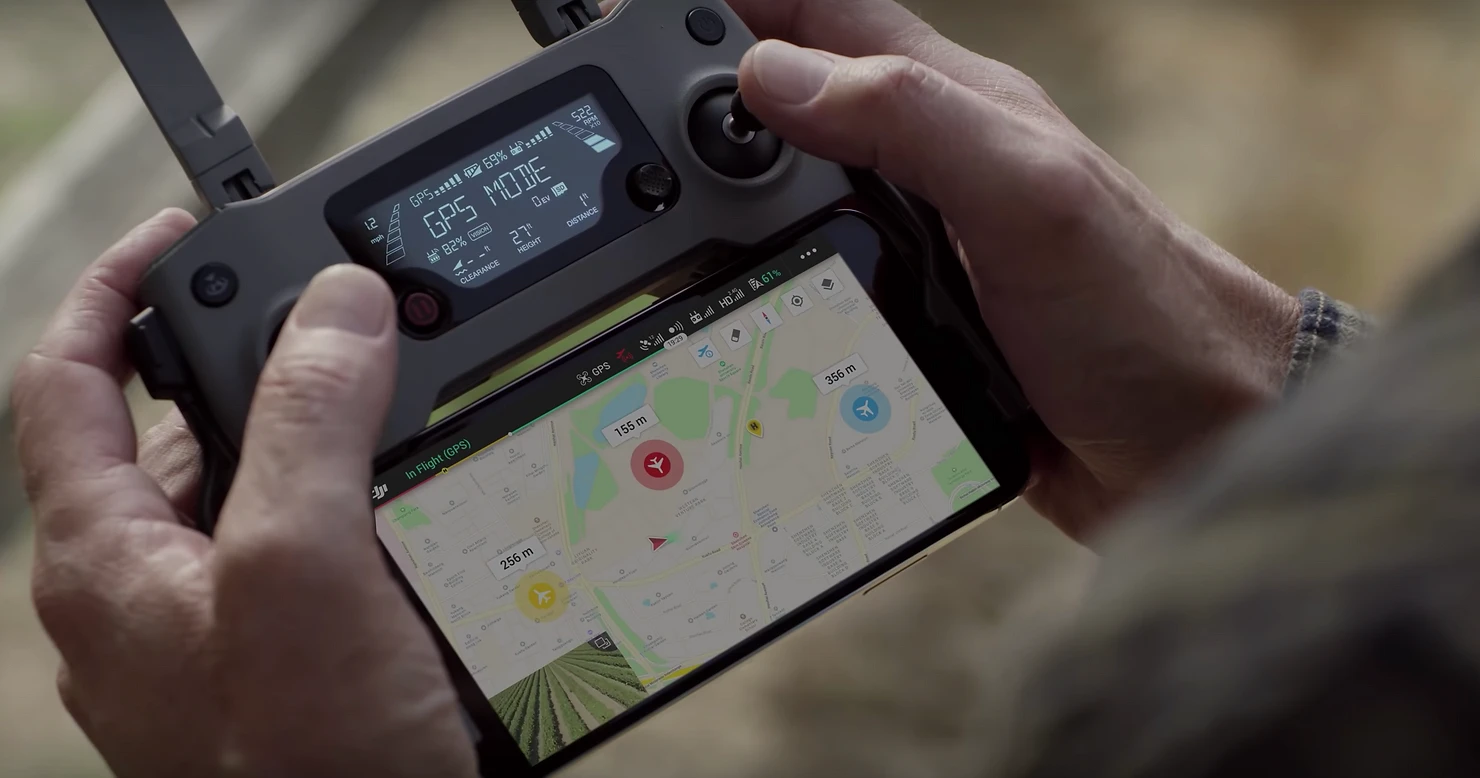
AirHub brings drone footage into a video management system (VMS) through streaming protocols including RTSP and RTMP, which most control room video environments already speak. That means aerial footage appears alongside the fixed camera feeds, on the same screens, which is what keeps a drone programme in daily use.
For an organisation running a real time crime centre, that is the point where drone coverage becomes part of the existing picture: fixed cameras cover what they cover, and the aircraft covers the ground between (and above) them.
Video travels the other way as well. Where the paragraph above is about sending drone footage out to your video management system, the Drone Operations Centre pulls feeds in: multiple live video sources, maps and data in one shared view, so that operators, commanders and, where appropriate, external agencies all work from the same picture. Counter-UAS sensors feed into the same view, so activity in the airspace around an incident sits next to activity on the ground.
What has to be true on your side
Integration work is usually less about the drone system than about four things in your own environment.
The incident record has to carry a usable location. A structured coordinate or address field, not free text in a notes box. This is the most common blocker and it is worth checking before anything else.
Incident types have to be classified consistently. Automatic launch depends on a rule, and a rule depends on your dispatchers coding incidents the same way. If classification varies by shift, fix that before you automate it.
Somebody has to own the interface. CAD environments in public safety are frequently customised, sometimes by a third party. Find out early who is allowed to change yours and what their timeline looks like, because it is regularly longer than the drone procurement.
Security review takes as long as the build. Anything touching dispatch goes through information security, and in a public sector organisation that is a process with its own calendar.
What to ask your CAD provider
Five questions, in the order that will save you the most time.
Does the system expose incident events through an interface, and is it documented?
Can a third party subscribe to incident creation, or does every integration go through you?
What does a change request cost and how long does it take?
Are there existing drone or field-system integrations we can look at?
And what are the security requirements for an external system receiving incident data?
Ask these before selecting software. The answers routinely change the shape of the programme, and occasionally the order in which it gets built.
Where the data goes
Anything touching dispatch data raises the question of where it is processed and stored, and in public safety that question arrives early.
AirHub is a European company. The platform is ISO 27001 and ISO 9001 certified, operates in line with GDPR and European data protection requirements, and can be deployed on-premise or in a private cloud where an organisation needs full control over sensitive operational data. For an integration touching live incident records, that last option is often what makes the security review straightforward rather than lengthy.
Where to start
The sequence that works is a slow one. Confirm what your CAD environment can expose and who can change it. Decide which incident types would justify an automatic launch. Start with dispatcher-initiated launch, so operators build confidence before the system takes the decision. Get video into the VMS early, because it is the part that makes the programme visible to everyone else. Then automate the trigger once the rest is routine.
Our public safety page sets out how the pieces fit, and we are happy to go through what integration would involve in your environment.